
Outdoor team location sharing helps a group discuss the same map. To use it meaningfully, everyone needs to know when a position was updated and who can see it. A short check before setting out helps align expectations across the group.
Check the time behind the marker
A marker may represent the last position successfully transmitted. If a phone loses its connection or background operation is restricted, new data may stop arriving. Review the available update time and do not infer someone’s current movement from a position whose freshness has not been confirmed.
Run a group check before separating
Ask every participant to confirm that they joined the intended team and can see the correct people. Review location permissions and sharing settings on each phone. Resolve missing positions before leaving together. Opening a map does not demonstrate that every sharing function is working.
Write down the communication plan
- Save starting and meeting points with shared names.
- Check whether displayed locations are current.
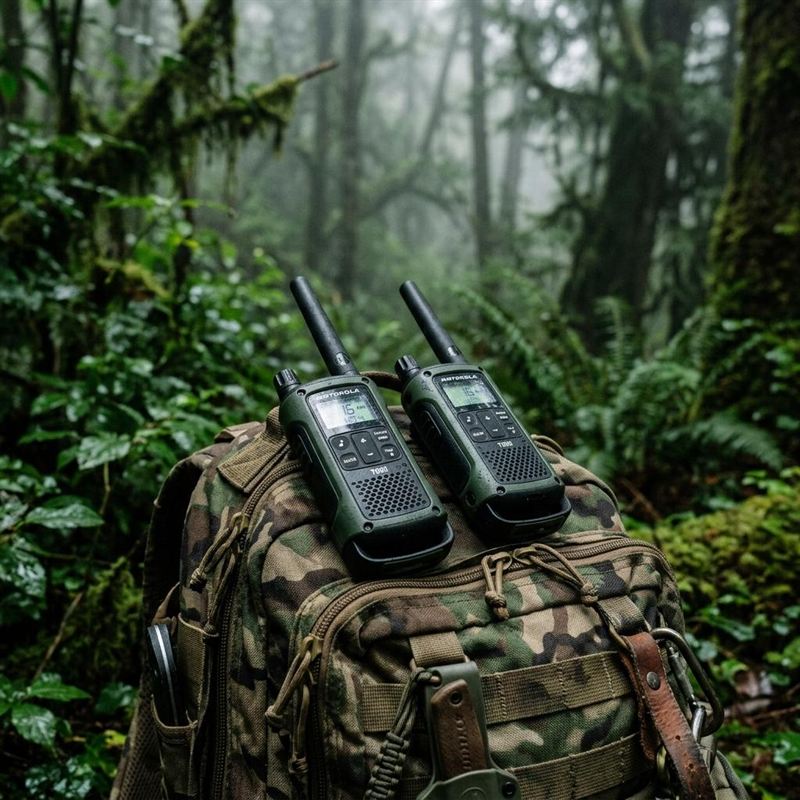
- Agree on communication and meeting arrangements if the connection drops.
- Decide how route changes will be communicated.
- Review whether sharing is still enabled after the trip.
A location marker alone does not confirm that you have received a request for help or verified someone’s situation. A shared itinerary and direct communication are also part of trip planning.
Manage privacy throughout the outing
Send an invitation link only to people you intend to include. Review the member list and visibility controls. Before publishing a screenshot, check whether it reveals participant names, private waypoints or coordinates. Discuss sharing expectations beforehand instead of assuming that everyone agrees to continuous location sharing.
Prepare your team in Wildigo
When using Wildigo’s team and map tools, confirm membership and sharing status inside the app. Internet-based communication and live location updates depend on a connection. Being able to view an offline map does not mean new information is arriving from other devices.
Further reading
For guidance on leaving a trip plan with a trusted person, see the National Park Service Trip Planning Guide.