
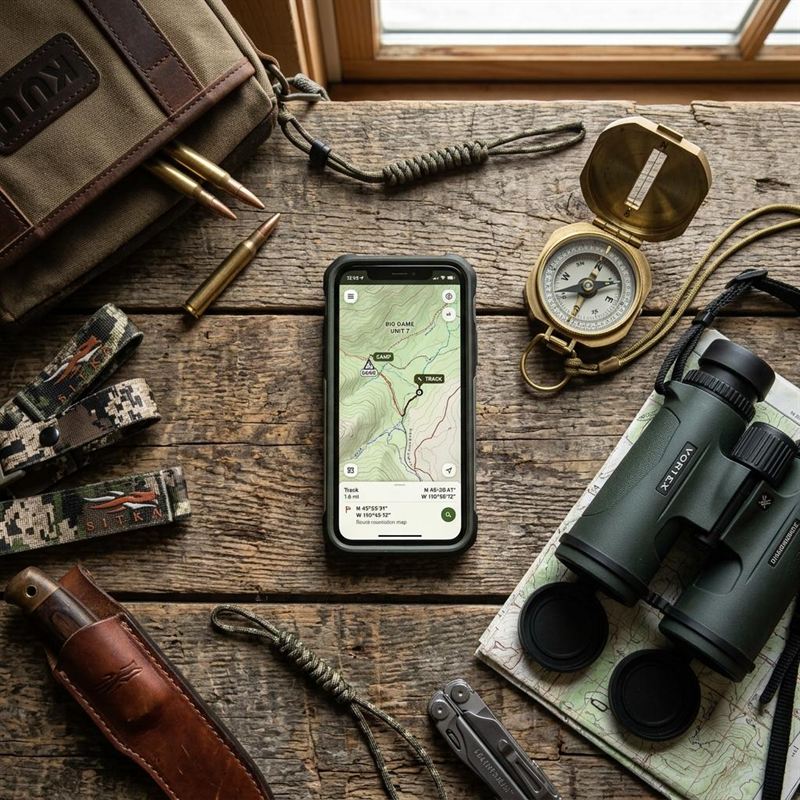
Offline maps display map data saved on your phone before an internet connection disappears. For a woodland walk, camping trip or fishing outing, downloading the area in advance helps you avoid opening an empty map in the field. Preparation means checking the download and testing the area without a connection.
Is GPS the same as downloading a map?
Calculating a position from satellite signals and loading map images are different tasks. A phone may find its location while the background map fails to load. GPS accuracy also depends on blocked signals, satellite geometry and receiver characteristics. Compare the displayed position with features you can actually identify around you.
Choose coverage around the whole route
A small download centred on the destination can leave the approach or return outside the saved area. Include the start, planned route and return options. Check download size, available storage and supported zoom levels. Downloading a region does not necessarily make every information layer available offline.
Test the download before leaving
- Download the area on a stable connection and confirm completion.
- Turn off mobile data and Wi-Fi, then reopen the app.
- Inspect the start, return point and route surroundings at several zoom levels.
- Check location permissions, battery level and saved waypoints.
Live weather and new teammate positions may stop updating during this test. Saved map data does not replace a live data connection. A successful test of the background map therefore says nothing about whether remote updates will arrive.
Finish your preparation in Wildigo
If you use Wildigo Premium offline maps, review the download status before the trip. Name important waypoints clearly, such as “start parking” and “return junction”. After the outing, note any gaps in coverage so the next download fits your actual journey better.
Does offline mapping keep team tracking online?
No. Displaying a local map and receiving a new location from another phone are separate operations. Live sharing needs a connection. Check when a position was updated before treating it as current.
Technical reference: GPS.gov — GPS accuracy.